
Care for Your Online Instrument: Digital Sheet Music Setup
Digital Hygiene: Keeping Your Virtual Harmonium in Peak Condition
In the world of physical instruments, maintenance involves oiling wood and tuning reeds. For a free web harmonium, the "maintenance" is digital. To ensure the most authentic sound and the lowest possible latency, your digital environment must be optimized. At WebHarmonium.io, we utilize cutting-edge web technologies that require a bit of configuration for the absolute best performance.
1. The Battle Against Latency: Buffer Size and Audio Worklets
Latency is the delay between pressing a key and hearing the sound. In a harmonium tutorial, timing is everything. Our engine uses the modern Audio Worklet API, which runs audio processing in a separate background thread. However, if your browser is overloaded with other tabs (especially video sites or social media), this thread can struggle.
The Fix: Before a serious practice session, close redundant tabs. This frees up the CPU to handle the 44.1kHz audio stream without "pops" or "clicks." If you are using a Windows machine, ensure your power plan is set to "High Performance" to prevent the processor from throttling the audio thread.
Optimizing Your Audio Chain: Speakers vs. Headphones
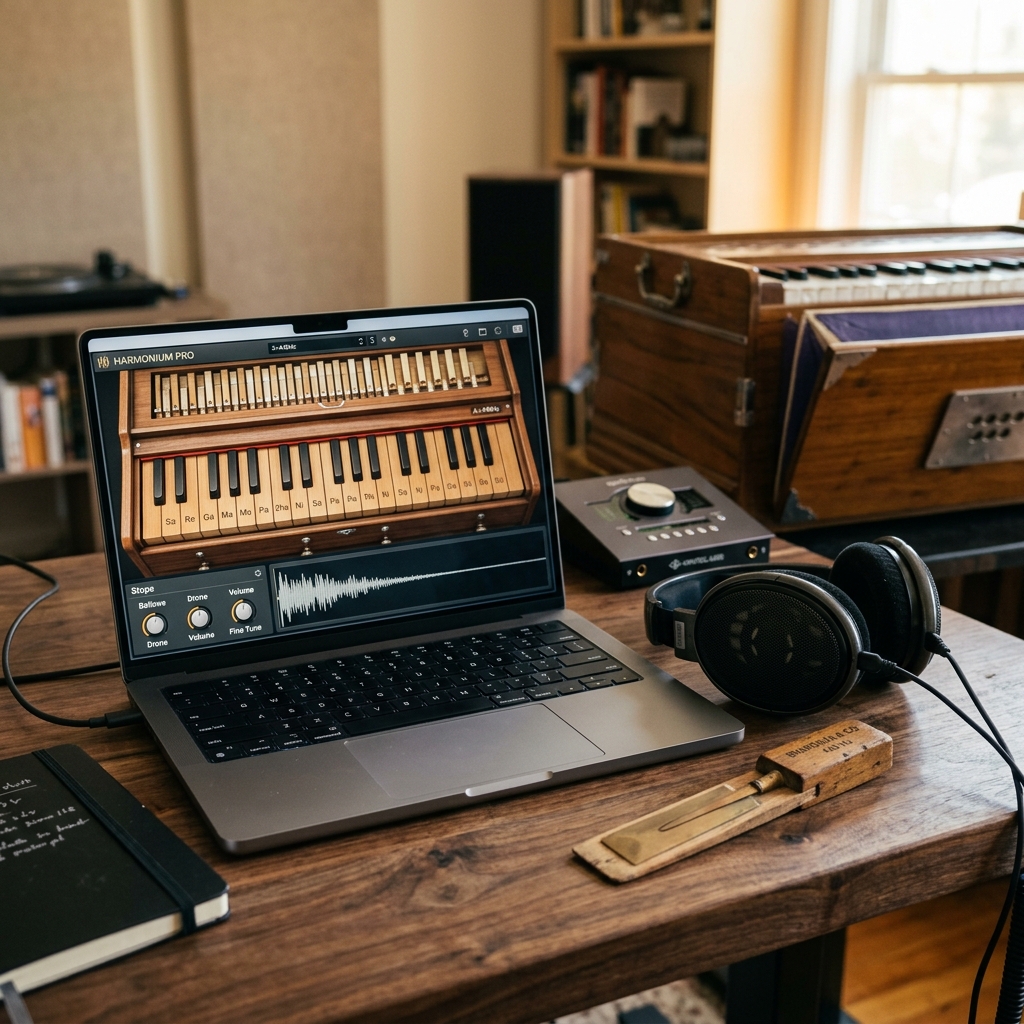
The harmonium's sound is rich in harmonics—specific overtones that give it its signature "buzzy" and warm quality. Standard laptop speakers often cut these frequencies off, leading to a "tinny" sound. To truly hear the Vintage Digital Craft we've put into our samples, we recommend two options:
- Open-Back Studio Headphones: These provide a natural soundstage, making it feel like the harmonium is sitting in the room with you.
- External Audio Interface (ASIO): For professional players, using an external DAC or interface avoids the internal soundcard's processing, reducing latency to under 10ms.
2. Web MIDI Integration: Connecting Physical Keyboards
While our virtual harmonium keyboard is highly responsive, nothing beats the feel of real keys. Our platform supports the Web MIDI API. You can plug in any MIDI controller, from a 25-key launchpad to an 88-key weighted piano. Once plugged in, the site should recognize it automatically. If it doesn't, refresh the page with the keyboard already connected.
Expert Tip: If your MIDI keyboard has a sustain pedal, our engine will interpret it as "Bellows Lock." This allows the notes to ring out continuously, mimicking the behavior of a professional "Scale-Change" harmonium with the bellows locked in the open position.
Browser Compatibility and "Digital Tuning"
Not all browsers are created equal for music. While we support all modern browsers, Google Chrome and Microsoft Edge currently have the most robust implementations of the Web Audio and MIDI standards. Safari on Mac and iOS is excellent for sound quality but can occasionally have "Auto-Play" restrictions that mute the initial notes. Always ensure you click the "Awaken Harmonium" overlay to tell the browser you want to hear the music.
3. Visual Ergonomics for Digital Sheet Music
When using our interactive sheet music mode, your screen placement is vital. If you are using a tablet, place it at eye level. This prevents neck strain and allowed you to focus on the Accuracy Indicator and Duration Bars. On desktop, we recommend using a 100% zoom level. Our "Responsive Craft" layout will automatically scale the keys to the widest available space, giving you the largest possible touch targets.
Cleaning Your "Keys": Physical Hygiene for Digital Players
It might sound silly, but a dirty screen or keyboard can lead to missed notes! If you're using a touch screen, ensure it's free of oils. For computer keyboard players, a mechanical keyboard with "linear" switches (like Cherry MX Red) is often preferred for harmonium play because it allows for the rapid "Murki" and "Harkat" movements characteristic of Indian music.
4. Troubleshooting Common Issues
- No Sound? First, check the Master Volume on our console. If it's up, look for a small "Muted" icon in your browser tab. Browsers often block audio until you interact with the page.
- Sound is Distorted? This usually means your Additional Reeds are set too high for your speakers' volume. Reduce the reeds to 1 or 2, or lower the system volume.
- Keyboard Lag? This is almost always caused by a background system update or a heavy browser extension (like an ad-blocker or VPN). Try an Incognito window to see if it clears up.
Conclusion: Respect the Instrument
Even though it's pixels and code, your Web Harmonium is a professional musical instrument. By spending five minutes on setup and "maintenance," you ensure that your practice sessions are productive and your music sounds beautiful. Now that your setup is perfect, why not try some beginner Sargam exercises?